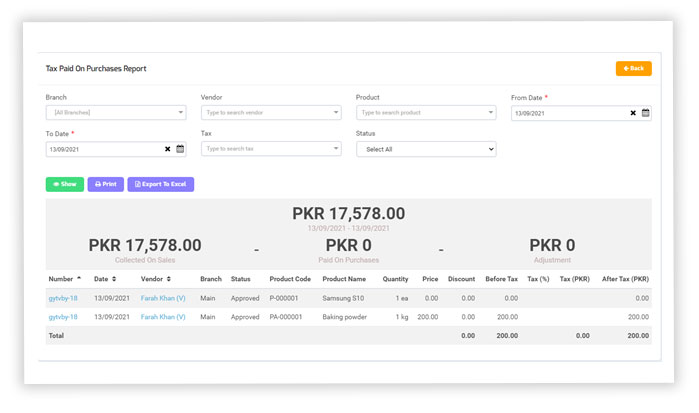
Tax in Reports
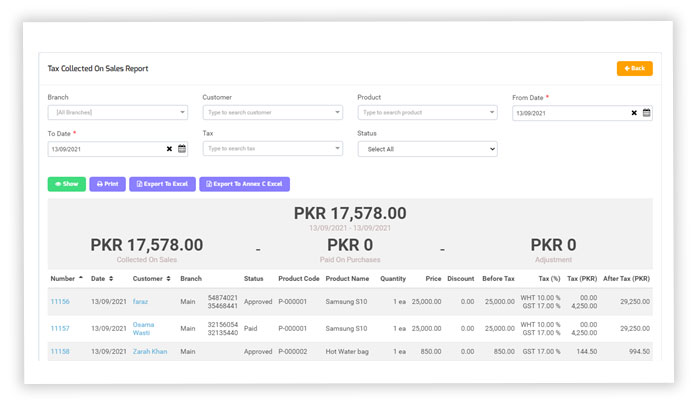
The tax collected on the Sales Report
It will list all the tax collection from customers against the sale of any product within a specified date range.
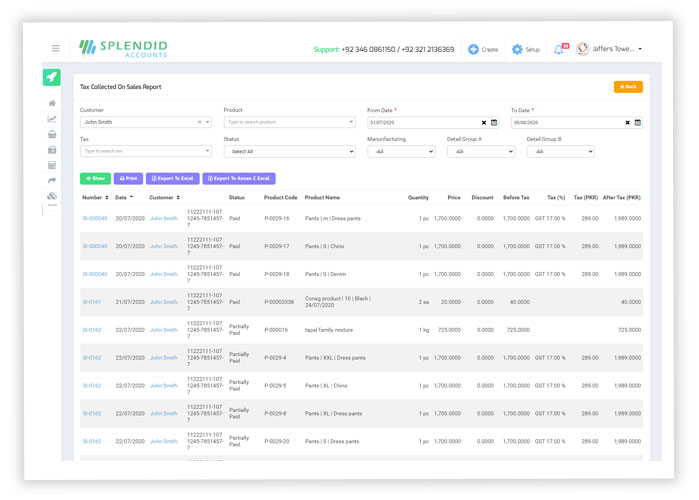
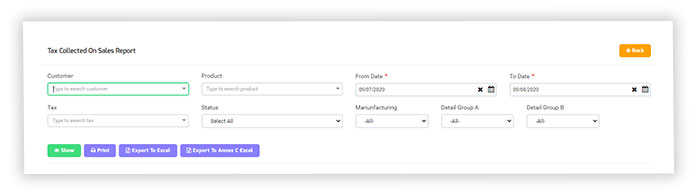
Also you can Export your Sales tax report of Pakistan FBR pre-defined in (Annexure C) format, by just click on Export to Annexure C.
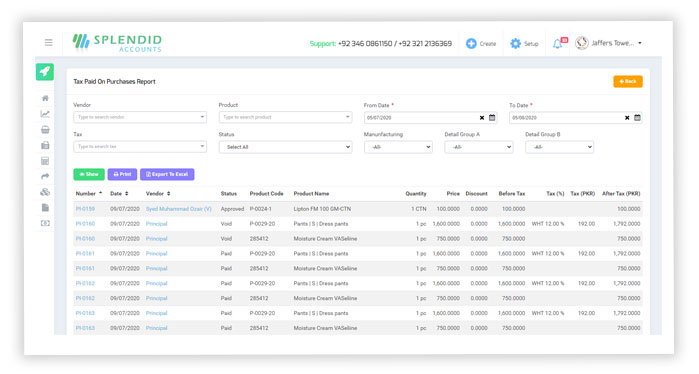
Tax paid on Purchase report
It will list all the tax paid to vendors against the purchase of any product within a specified date range.
A main dashboard has been introduced at “Tax Collected On Sales Report” ” from which users can have now an idea about the tax collection at a glance.
A main dashboard has been introduced at “Tax Paid On Purchases Report” from which users can have now an idea about the tax collection at a glance.